Reactive support vs. managed support (MSP): how much each model costs your business
Discover the real difference between reactive support and managed services (MSP), and why the model you choose today determines how much you pay tomorrow in operational losses, emergencies, and wasted time.
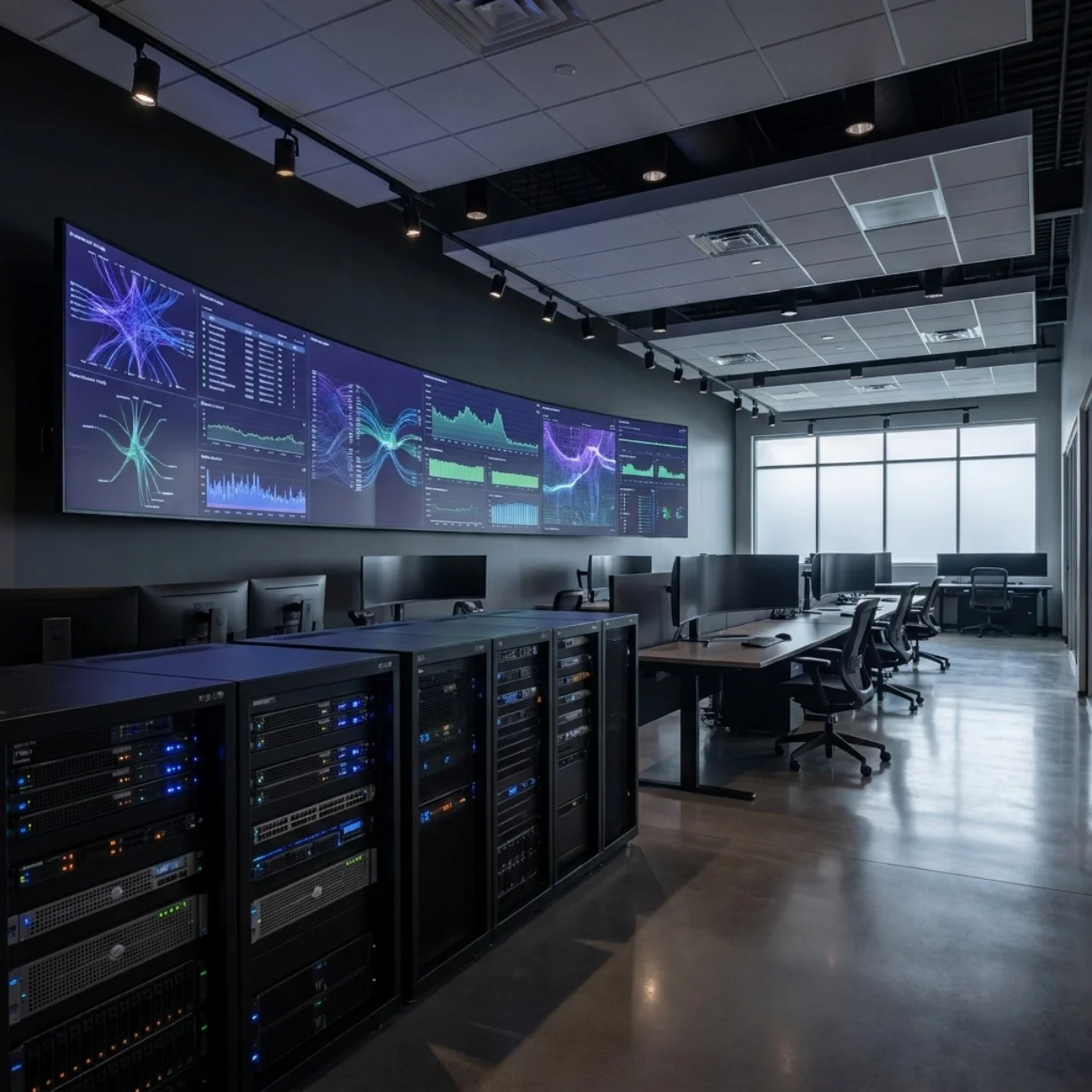
There are two ways to manage a company's technology support. The first is to wait for something to fail and call someone. The second is to work with a partner who prevents something from failing in the first place.
It seems simple. But the difference between both models is not just of approach: it is of costs, risks, and direct impact on the business operation.
If your company still operates under the first model —calling when there is a problem—, this article will show you exactly what that decision is costing you.
The reactive model: "if it's not broken, don't fix it"
Reactive support, also known as the break/fix model, works as follows: something fails, someone calls support, someone comes or connects remotely, and the issue is resolved. After that, silence until the next incident.
This model has an apparent logic: you only pay when you need it. But that logic ignores something fundamental: the cost of the time your company spent standing still waiting for the issue to be resolved.
The most common symptoms of a company operating in reactive mode:
Problems that repeat month after month without anyone resolving their root cause
Variable response times: sometimes two hours, sometimes all day
No visibility into the actual state of the infrastructure until something collapses
Patches on top of patches instead of structural solutions
No updated documentation of systems and configurations
The IT area —if it exists— putting out fires instead of generating value
The most serious problem with the reactive model is not that it is inefficient. It is that it is invisibly expensive.
The true cost of reactive support
When calculating the cost of reactive support, most companies only account for what they pay directly: support hours, technicians dispatched, emergency invoices. That is only a fraction of the real cost.
Operational downtime
While the system is down, there are users who are not producing. If a company has 50 users and each generates an average of 300 pesos per hour of value, a four-hour outage costs 60,000 pesos in lost productivity alone. And that is without counting affected sales, customers, or critical processes.
Cost of emergencies
Emergency support is always more expensive than planned support. An urgent after-hours intervention can cost three or four times more than preventive care.
Impact on the end customer
Technology failures that affect customers —customer service systems, sales platforms, communications— have a cost in reputation that does not appear on any invoice but does show up in renewals and referrals.
Decisions without information
Without active monitoring, no one knows when a server is at 90% capacity, when a security update is pending, or when a license is about to expire. By the time it is discovered, it is already too late.
Market research on managed services estimates that the total cost of unplanned downtime in medium-sized companies ranges between $5,000 and $25,000 per hour, depending on the sector and the operational dependency on the systems.
What is an MSP and how the managed model works
A Managed Service Provider (MSP) is a technology partner that takes active and continuous responsibility for a company's IT infrastructure, under a contract with defined metrics and commitments.
Unlike the reactive model, the MSP operates preventively: it monitors, anticipates, maintains, and resolves issues before they interrupt operations.
Typical components of an MSP service:
24/7 Monitoring: continuous supervision of servers, networks, devices, and systems. The MSP knows something is failing before the user notices it.
Preventive maintenance: security updates, system patches, periodic performance and capacity reviews.
Help desk and technical support with SLA: response and resolution times guaranteed by contract. Not "we will assist you when we can", but "you will have a solution in a maximum of four hours or we escalate".
Incident and problem management: not only is the incident resolved, but the root cause is identified and we work to prevent it from repeating.
Reporting and visibility: periodic reports on the state of the infrastructure, managed incidents, and recommendations for the coming months.
Direct comparison: reactive vs. MSP
Aspect | Reactive support | MSP (managed support) |
|---|---|---|
Intervention model | Only when it fails | Preventive and continuous |
Cost | Variable and unpredictable | Fixed monthly, predictable |
Response time | No guarantee | Defined by SLA |
Infrastructure visibility | None (discovered upon failure) | Total, in real time |
Update management | When someone remembers | Planned and automated |
System documentation | Generally non-existent | Maintained and updated |
Relationship with the provider | Transactional | Strategic |
Hidden cost of downtime | High and unpredictable | Low (prevented) |
When does the reactive model stop working?
There are clear signs that the model is no longer keeping up with the company's growth:
More than 20 users rely on technology systems to operate
The company has proprietary servers, ERP systems, or critical platforms
Technology failures have a direct impact on sales or customer service
The internal IT area, if it exists, lack preventive monitoring capabilities
The company operates in multiple locations or with remote work
Security incidents or unauthorized access attempts have been experienced
The MSP as a competitive advantage, not an expense
One of the main barriers to adopting an MSP is the perception that it is an additional cost. The reality is the opposite: the MSP turns a variable and unpredictable cost into a fixed and controlled cost.
Companies that adopt an MSP model report, on average, a 40–60% reduction in the number of critical incidents during the first year of service.
How to evaluate an MSP provider before hiring
Clear and measurable SLA: what are the guaranteed response and resolution times? what happens if they are not met?
Monitoring model: what tools do they use? is monitoring 24/7 or only during business hours?
Scalability capability: can they support growth towards cloud, cybersecurity, or infrastructure?
Service coverage: does it include help desk, preventive maintenance, security updates, and incident management?
References and success stories: have they worked with companies of similar size and sector?
DITESA IT Solutions offers an MSP service with a defined SLA, proactive monitoring, and the ability to scale to cloud, cybersecurity, and infrastructure. More information at:
https://www.grupoditesa.com.mx/it-solutions
Ready to stop putting out fires?
DITESA offers a free Discovery Session where we analyze your current infrastructure, identify risks, and present you with a concrete proposal. No technical jargon. No commitment.
Schedule your free Discovery Session →
¿LISTO PARA DEJAR DE APAGAR FUEGOS?
Agenda una Discovery Session gratuita
Analizamos tu infraestructura actual, identificamos riesgos y te presentamos una propuesta concreta. Sin tecnicismos. Sin compromiso.
Agenda tu Discovery Session →

Ideas and Knowledge
Explore articles with ideas, trends, and practical learnings about technology, innovation, and digital growth.