

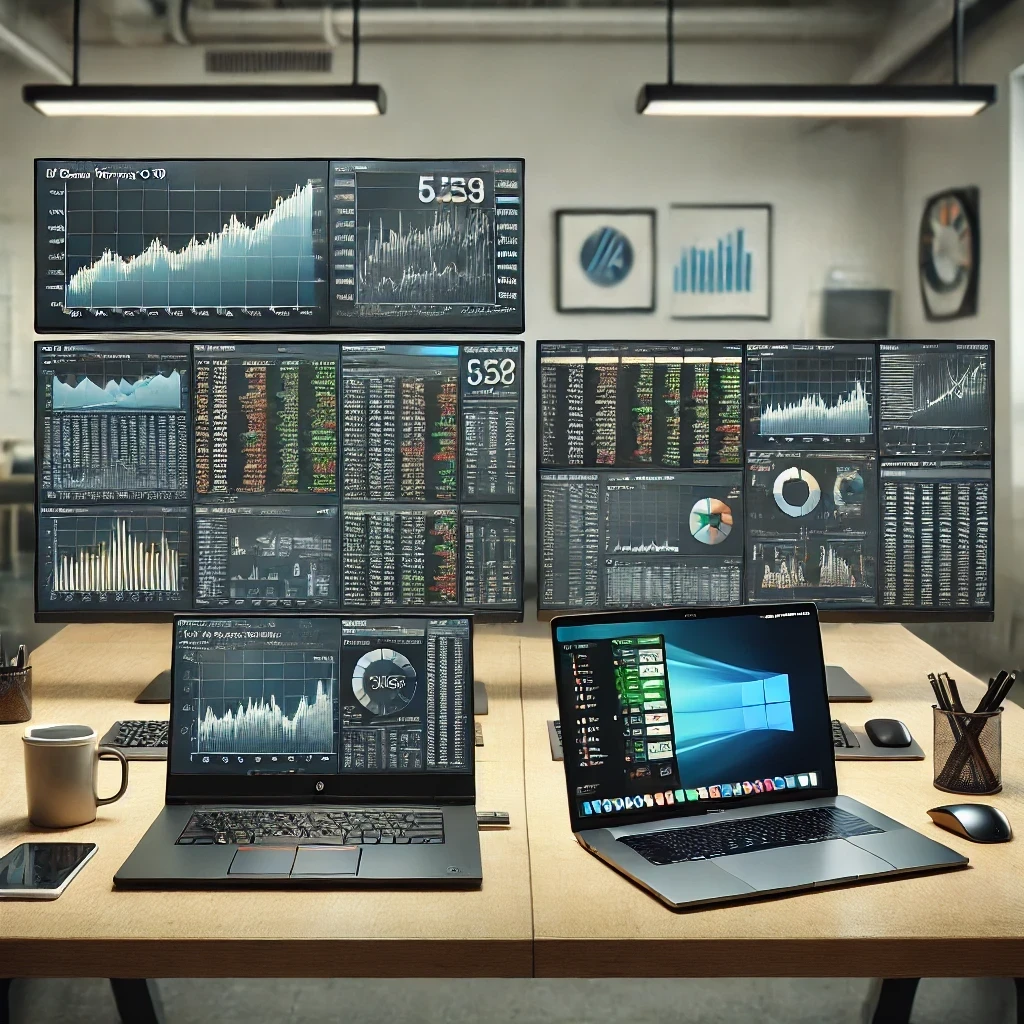
HP ZBook Power G10 vs. MacBook Pro 16" – Which is the better option for finance professionals and analysts?
HP ZBook Power G10 or MacBook Pro 16"? We compare performance, battery, and compatibility to help you choose the best laptop for finance and data analysis.
Introduction – Are You Choosing the Right Work Tool?
If you work in finance, investment, or data analysis, you know that choosing the right laptop is not just a whim. A slow machine can cost you opportunities, efficiency, and money. But here comes the big question:
💰 Do you need the optimized power of a workstation like the HP ZBook Power G10?
🍏 Or the smoothness and ecosystem of Apple with the MacBook Pro 16"?
Both options are high-end and promise maximum performance, but only one fits your working style better. Let’s analyze each one and find out which will help you make better financial decisions.
Summary: HP ZBook Power G10 vs. MacBook Pro 16"
Criterion | HP ZBook Power G10 🖥 | MacBook Pro 16" 🍏 |
|---|---|---|
Processor | ✅ Intel Core i9-13950HX (up to 5.5 GHz, 24 cores) | ✅ Apple M3 Max (16-core CPU, 40-core GPU) |
RAM | ✅ Up to 64GB DDR5 (expandable) | ⚠️ Up to 128GB unified (but not expandable) |
Display | ⚠️ 15.6" Full HD (high color accuracy) | ✅ 16.2" Liquid Retina XDR (HDR, 1000 nits) |
Operating System | ✅ Windows 11 Pro (compatible with all financial programs) | ⚠️ macOS Sonoma (limitations with specialized financial software) |
Storage | ✅ Up to 2TB NVMe SSD | ✅ Up to 8TB ultra-fast SSD |
Connectivity | ✅ USB-A, USB-C Thunderbolt 4, HDMI, Ethernet | ⚠️ Only USB-C Thunderbolt 4, requires adapters |
Battery | ⚠️ Up to 12 hours of autonomy | ✅ Up to 22 hours of autonomy |
Price | ✅ Generally more affordable with similar specifications | ⚠️ More expensive in models with maximum performance |
Performance and Multitasking: Who Dominates the Numbers?
If you work with advanced Excel, Power BI, Bloomberg Terminal or specialized financial software, you need a laptop that can handle millions of data without delays.
🚀 HP ZBook Power G10: Raw Power for Intensive Calculations
✔️ Its 13th generation Intel Core i9 processor allows handling complex financial models, simulations, and massive databases effortlessly.
✔️ Up to 64GB of RAM DDR5 that you can expand, ensuring that you never run short.
✔️ Windows 11 Pro, which means full compatibility with financial software without the need for adaptations.
🍏 MacBook Pro 16": Smoothness with the Apple Ecosystem
✔️ Its M3 Max chip offers an ultra-smooth experience, especially in tasks optimized for macOS.
✔️ RAM of up to 128GB, but not expandable, meaning you need to choose wisely from the start.
✔️ Limitations with traditional financial programs, although it works well with web apps and cloud trading.
💡 Verdict: If you need maximum compatibility with financial software, the HP ZBook Power G10 is your best option. If you work more with apps optimized for Apple and want extreme smoothness, the MacBook Pro 16" is a powerful alternative.
Display and Visual Experience: Precision or Spectacularity?
📊 HP ZBook Power G10: Its 15.6" Full HD display offers precise colors, ideal for financial graphics, but it does not have the same depth of blacks and contrast as the MacBook's.
🎨 MacBook Pro 16": Its Liquid Retina XDR display is unbeatable in visual quality, with 1000 nits brightness and HDR, perfect for those working with graphics or presentations.
💡 Verdict: If you only need color accuracy and clarity, the ZBook Power G10 is sufficient. If you prefer an impressive visual experience, the MacBook Pro 16" has no competition.
Connectivity and Compatibility: Are You Overloaded with Adapters?
This is where the HP ZBook Power G10 takes the lead:
✅ USB-A, USB-C Thunderbolt 4, HDMI, and Ethernet ports, meaning fewer adapters and more compatibility with monitors and external devices.
The MacBook Pro 16", on the other hand:
⚠️ Only has USB-C Thunderbolt 4 ports, which means that if you work with multiple screens or older accessories, you will need adapters.
💡 Verdict: If you work in a corporate environment with multiple devices and monitors, the HP ZBook Power G10 is more convenient. If you only deal with modern peripherals, the MacBook Pro may be sufficient.
Battery and Portability: A Whole Day Without Charging?
🔋 MacBook Pro 16": Up to 22 hours of autonomy, surpassing almost any laptop in the market.
🔋 HP ZBook Power G10: Up to 12 hours, more than enough for a workday, but less than the MacBook.
💡 Verdict: If you spend a lot of time outside the office and need maximum battery life, the MacBook Pro 16" is the winner.
Conclusion: Which One Should You Choose?
📌 Choose the HP ZBook Power G10 if…
✔️ You work with advanced Excel, Bloomberg, Power BI, and demanding financial programs.
✔️ You need maximum compatibility with Windows software.
✔️ You prefer connectivity without adapters and the option to expand RAM and storage.
📌 Choose the MacBook Pro 16" if…
✔️ You prefer the Apple ecosystem and work with apps optimized for macOS.
✔️ You need extreme battery life and an exceptional quality display.
✔️ You look for smoothness and premium design, even if it means relying on adapters.
Rent or Buy the Best Laptop for Finance with Grupo Ditesa
At Grupo Ditesa we offer rental and sale of business laptops with included technical support and maintenance.
📌 Want more information?
🔹 Discover our options: Grupo Ditesa
🔹 Contact an advisor to learn about our financing options and technical service.
📍 If you want an immediate response, message us on Whatsapp!
📩 Make the right decision and get the best laptop for your financial future.



Ideas and Knowledge
Explore articles with ideas, trends, and practical learnings about technology, innovation, and digital growth.